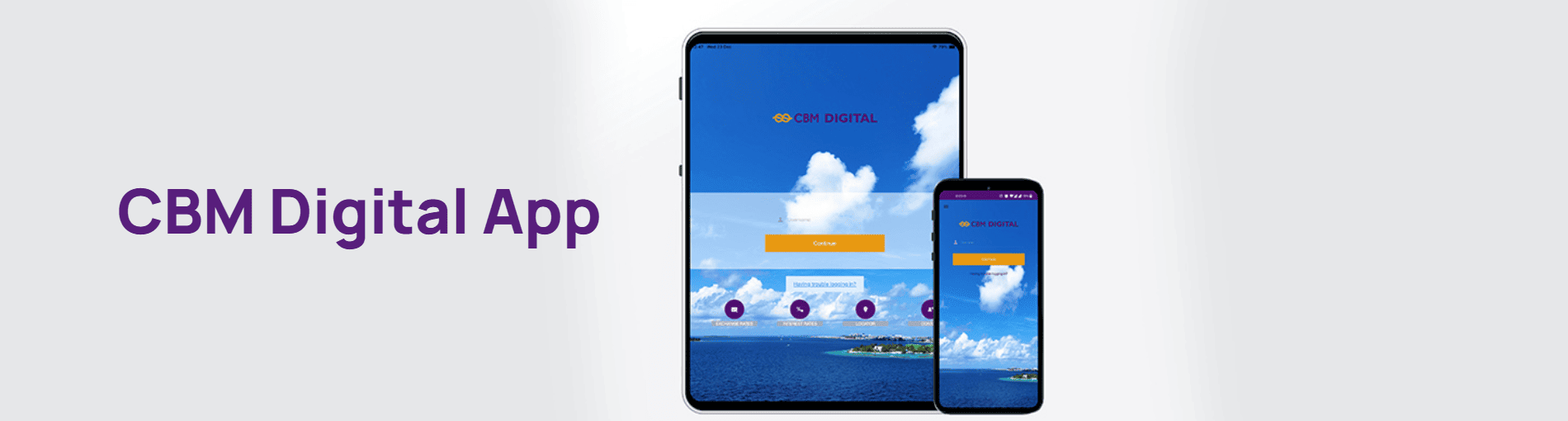
If you are an Android or Apple iOS user, you can now access “Digital Banking” facility conveniently through your device.
CBM’s Digital Banking is a facility that is available to any customer using the internet. All you need to do is register yourself at the CBM Main Branch and avail yourself of this one-on-one method of banking.
Your account will be accessible anytime from anywhere. You are not constrained by time or distance. With just a click of a mouse, you can do your daily banking transactions.
A special application form is NOT required to avail this facility. You can enjoy this facility by simply downloading the Commercial Bank Mobile App from the “App store” or “Google play”.
Key word for App search is “CBM”


Product information and terms & conditions are subject to change from time to time. Therefore, it is advisable to contact the Bank for the latest information and prevailing terms & conditions.